
Lodolbrandguidelines
Lodol creates automation systems that function as a reliable teammate. They are competent, efficient, and always adaptable to your work style.
This guide covers everything that creates Lodol's look and feel: our visual language, typography, palette, composition, illustrations, and communication style.
PDF, 41 pages, 16.5 MB
Together, these elements ensure the clarity, confidence, and consistency of our brand.
Vision
Mission
Good coworkers follow instructions, apply judgment, and own the details.
We're building automation that does the same work reliably, transparently, and effortlessly.
Vision
To make tedious work easier or obsolete so teams can focus entirely on high-value human creative work.
Lodol is:
- DeterministicPredictable steps execute exactly as defined, every time.
- IntelligentAI applies judgment on the steps that need it, within guardrails you control.
- ResilientWorkflows stay reliable as data and requirements change.
- EffortlessZero maintenance fees. Create free time instead of hustle.
Messaging
Tone of voice
Warm, welcoming, and clear.
We speak like a helpful teammate who explains things plainly.
Empathetic, not overly emotional.
We understand daily work frustrations and focus on making life easier for our users.
Confident, not arrogant.
Secure in our technology's value, but always focused on supporting expertise rather than showing off.
Messaging guardrails
| Topic | Instead of this | Say this |
|---|---|---|
| On idea | Foolproof fault-tolerant algorithmic execution engines | Workflows you can rely on every single day |
| On ease of use | Connect any app instantly with easy AI triggers | Connect your favorite tools effortlessly, built to run smoothly. |
| On automation purpose | Replace manual tasks with total automated workforce takeover. | Save time by optimizing repetitive busywork so you can focus on creativity. |
| On maintenance | Low maintenance costs with high uptime. | Set it up once and forget about it, no constant tweaking required. |
| On developer experience | Complex custom JSON payloads required for advanced logic handling. | Built for developers to extend easily: clean APIs, versioning, audit logs, and full observability. |
Supporting proof points
Breadth without the fragility
Hundreds of native integrations built for depth, so your data syncs reliably without missing fields or dropping events.
Developer friendliness
Clean documentation, clear execution logs, and full control when you want to set up custom logic or connect custom endpoints.
Low maintenance
Extensible for technical teams without adding technical debt or maintenance overhead.
Colors
Color palette
We use high contrast and balance to create a distinct, modern look. Electric Indigo is used as the primary brand color, to bring energy, innovation, and strong presence across main interface elements and brand accents.
Pale Lavender acts as its tonal complement, providing a soft background tint and surface balance that keeps layouts coherent and readable.
- Electric Indigo
- HEX
- #691EF6
- RGB
- 105, 30, 246
- CMYK
- 57, 88, 0, 4
- Deep Indigo
- HEX
- #1E0850
- RGB
- 30, 8, 80
- CMYK
- 62, 90, 0, 69
- Pale Lavender
- HEX
- #D5C0FC
- RGB
- 213, 192, 252
- CMYK
- 15, 24, 0, 1
- Warm Gray
- HEX
- #D4D0CC
- RGB
- 212, 208, 204
- CMYK
- 0, 2, 4, 17
- Charcoal Black
- HEX
- #0E0D0C
- RGB
- 14, 13, 12
- CMYK
- 0, 7, 14, 95
Gradient
Usage. Best used for visual accents that need to pop, hero sections or interactive states, backgrounds for main sections, interactive interface states, or to highlight key features. Try not to place long blocks of text across the gradient background: keeping things readable is the goal here.
Visual direction. A diagonal gradient, going from bottom-left to top-right at 45°: a classic direction for this kind of look.
Radial gradient
- Combine Deep Indigo (#1E0850) with Electric Indigo (#691EF6), or soften it with Pale Lavender for light surfaces.
- Use radial gradients on large areas, main screens, backgrounds, and illustrations.
- Do not use gradients on buttons, icons, or small interface elements.
- Transitions should be long and smooth. If you see a sharp edge, it means the gradient is too short.
Neutrals
Dark neutrals (#0E0D0C to #4D4640). Primarily for text, headings, dark surfaces, and structural UI containers. #0E0D0C is our primary dark tone, for crisp contrast.
- #0E0D0C
- #141210
- #1F1D1A
- #2E2A26
- #3D3730
- #4D4640
Mid-tone grays (#585550 to #878280). Reserved for secondary body text, inactive UI states, icons, borders, and divider lines.
- #585550
- #6A6460
- #787370
- #878280
Light neutrals (#D4D0CC and #EFEEEC). For light backgrounds, card surfaces, table rows, and soft content separation.
- #D4D0CC
- #EFEEEC
Color combinations
When applying brand colors, consider how they sit next to each other: you want enough contrast to ensure colors are readable.
Use
Pair Electric Indigo directly with Pale Lavender for main surfaces, badges, and primary buttons.
Use Pale Lavender as a soft background behind solid Electric Indigo elements to maintain strong contrast.
- Electric Indigo on Pale Lavender
- Electric Indigo on Deep Indigo
- Pale Lavender on Electric Indigo
- Deep Indigo on Electric Indigo
Don't use
Avoid placing Electric Indigo on neutral gray backgrounds without proper contrast, or placing dark elements on top of Deep Indigo.
- Electric Indigo on Warm Gray
- Charcoal Black on Deep Indigo
Logo
Logo lockup
What it means
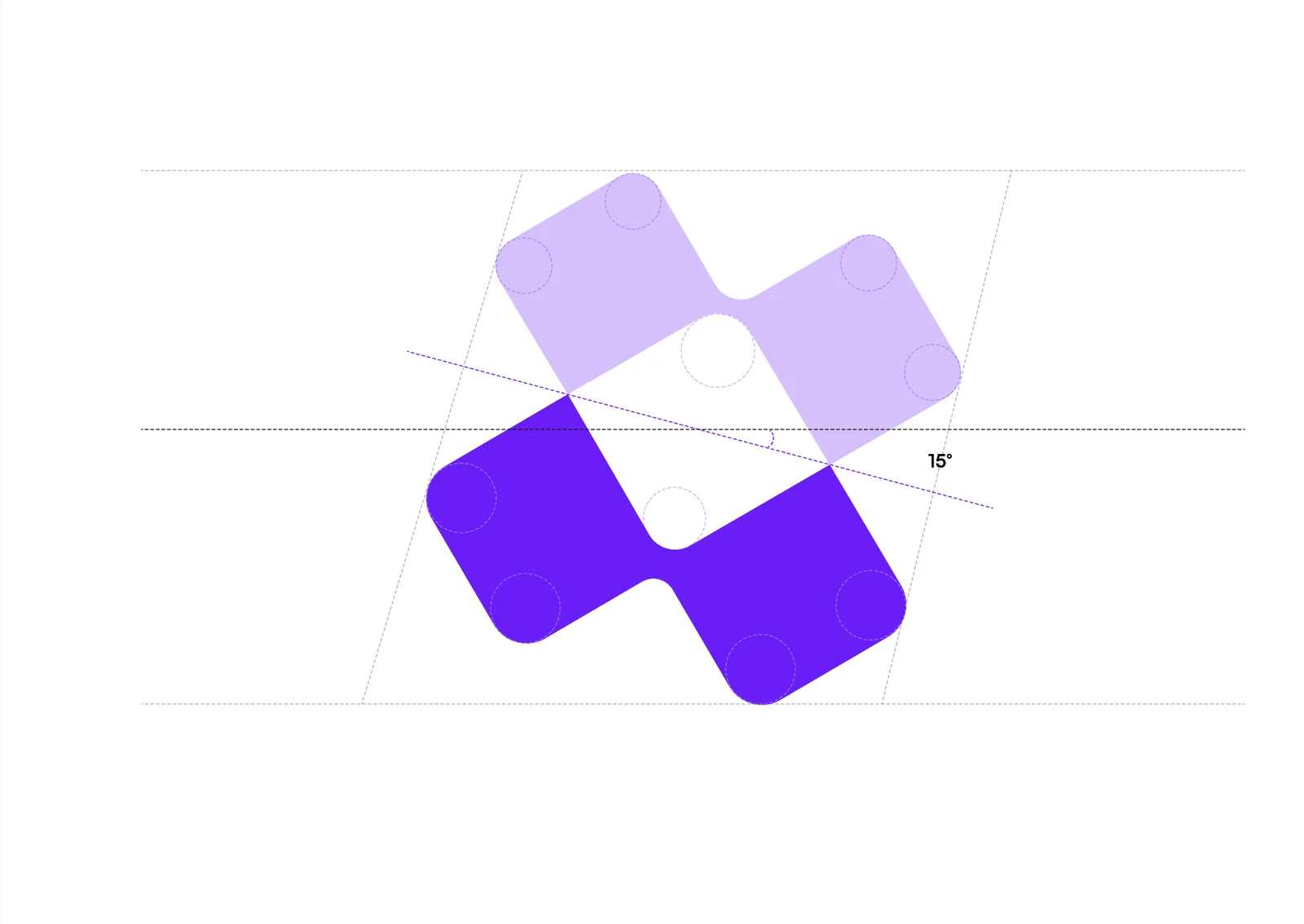
Our logo pairs dynamic, merging arrows to represent direction and momentum.
Its intersecting design reflects collaboration, forward movement, and interconnected workflows.
Safe area
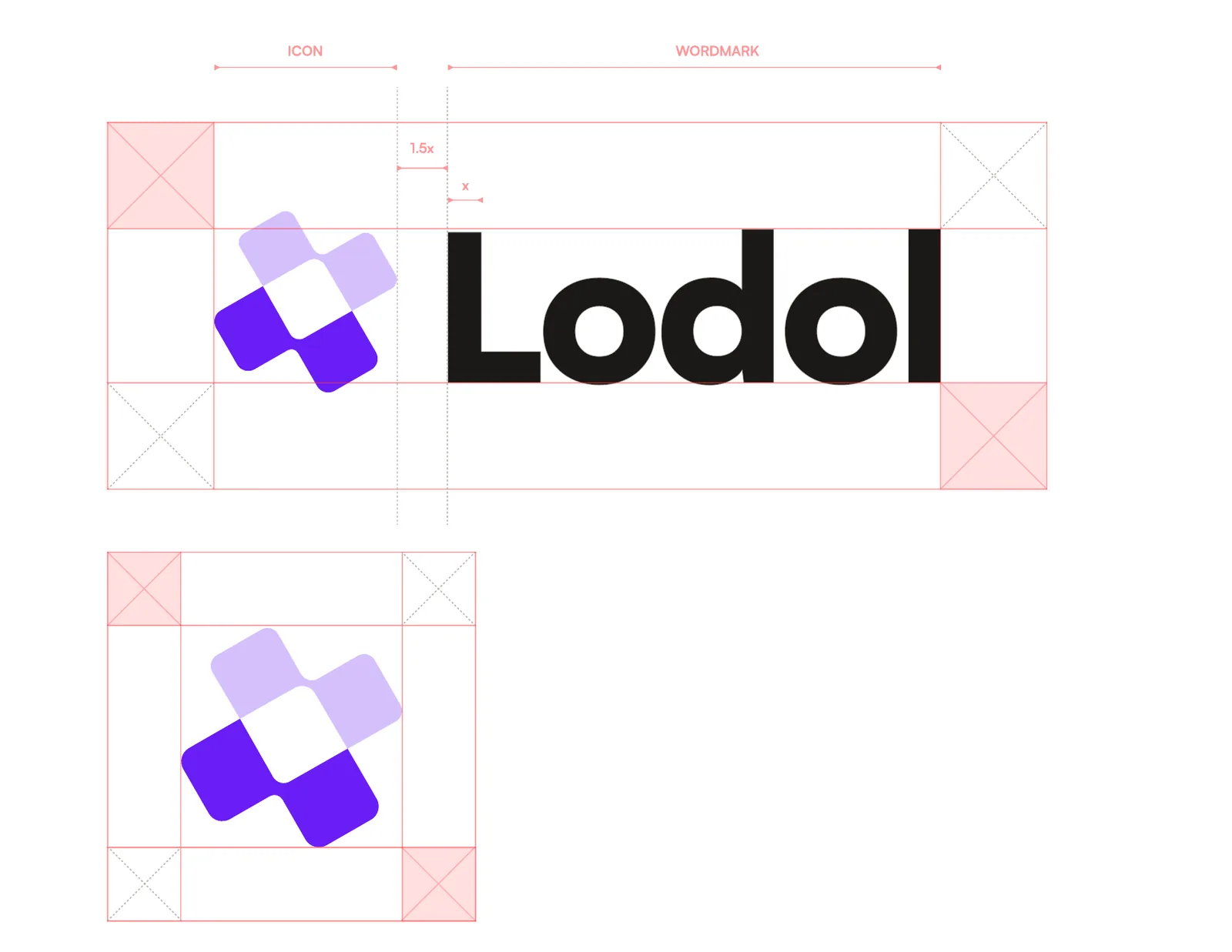
To ensure maximum visual impact, both the combination lockup and the standalone symbol must always keep a minimum clear space. This prevents competing graphics, text, or page edges from encroaching on the logo.
Logo lockup. The clear area around the full logo is the height of the letter “o” in the logotype. Keep this minimum spacing on all four sides. The space between symbol and wordmark is 1.5× the symbol's weight.
Standalone symbol. The safe area around the isolated mark is the length of one side of one of its geometric blocks.
Application. Keep this buffer entirely free of secondary text, imagery, patterns, or screen edges, across all print and digital layouts.
Usage rules
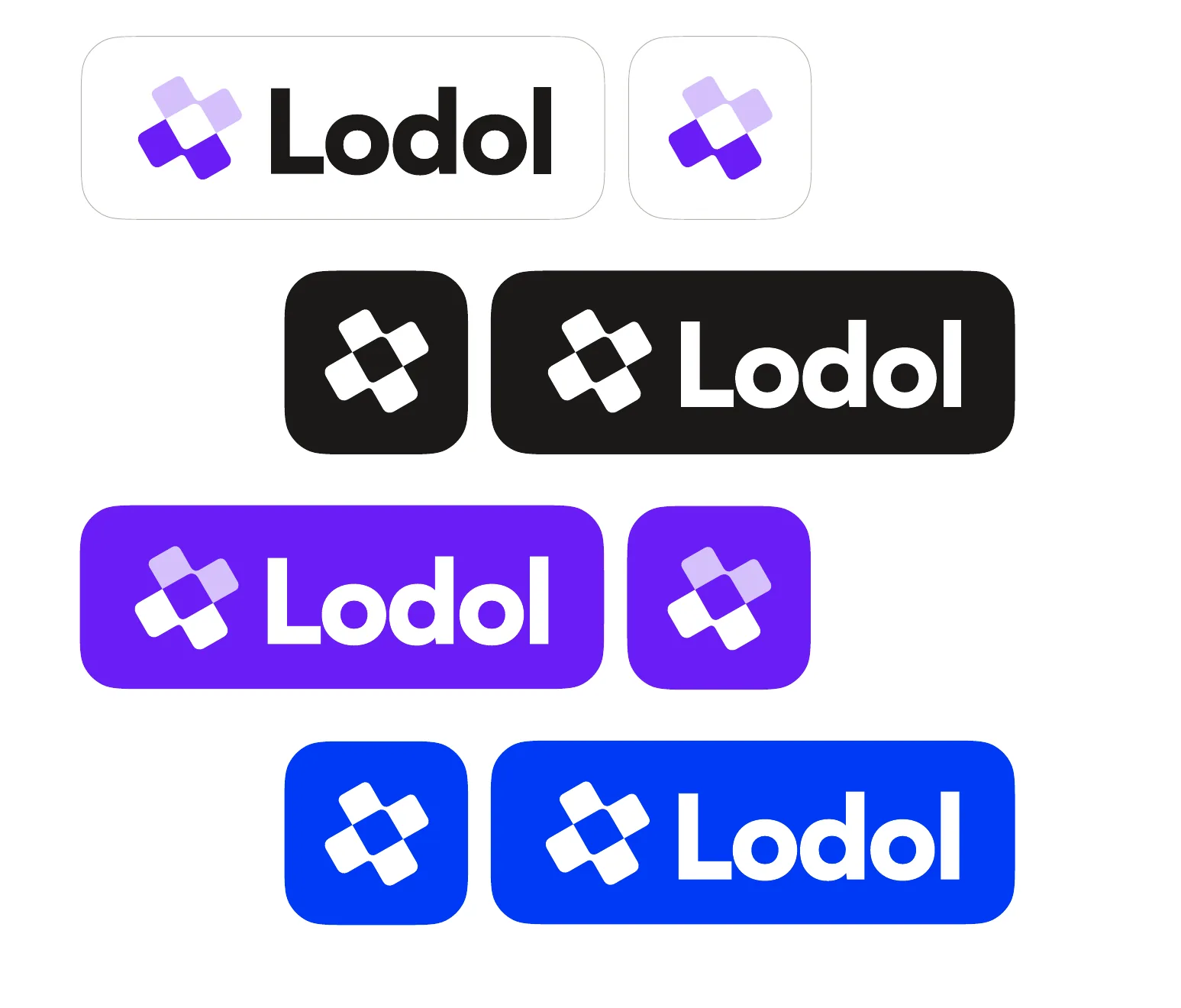
We keep the logo high-contrast, legible and consistent by using the logo and brand mark variation that suits the background color.
Light backgrounds. Use the primary combination lockup or the standalone mark, with Charcoal Black typography and the standard Electric Indigo / Pale Lavender symbol.
Electric Indigo backgrounds. Switch the logotype to pure white and use the inverted symbol (white and light lavender) for the best contrast against Electric Indigo.
Dark backgrounds. Use the pure white logotype with the standard Electric Indigo / Pale Lavender symbol, so the brand stays vibrant on dark surfaces.
Colored backgrounds. Use the monochrome symbol (solid white or single-tone) with white typography, to keep it clear, prevent color clashes, and guarantee high contrast.
What to avoid
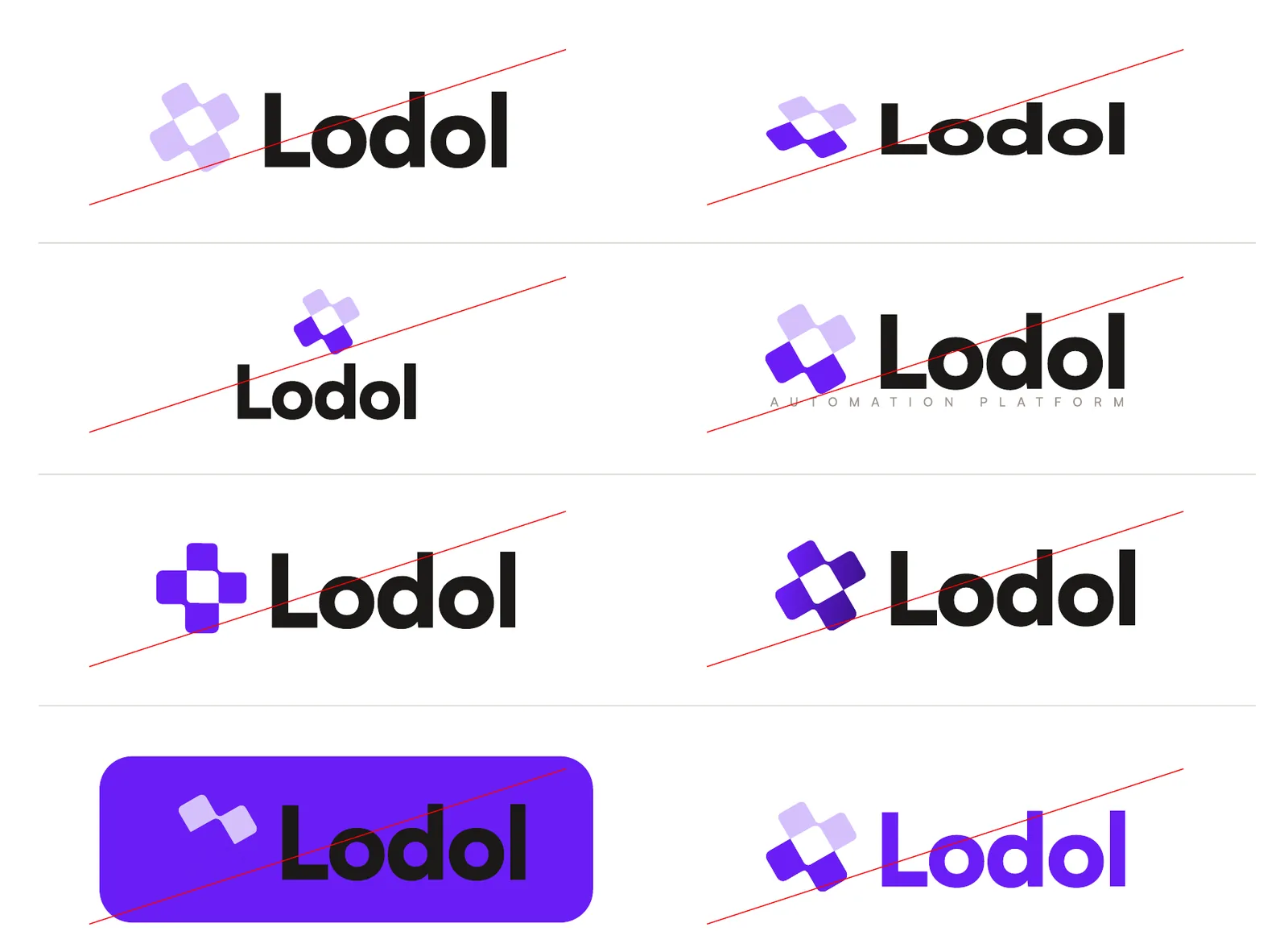
- Don't alter the colors. Don't swap, modify, or use unapproved color combinations on the symbol or logotype outside the preserved light, dark, and monochrome palettes.
- Don't distort or skew. Never stretch, skew, rotate, or alter the proportions of the mark or logotype. Always scale the logo uniformly.
- Don't rearrange the elements. Never alter the relative position, spacing, or scale of the symbol and the logotype in the combination mark.
- Don't crowd the safe area. Never place secondary text, graphics, or layout edges within the clear space: the height of the “o”, or one block's side.
- Don't add effects. Don't apply drop shadows, glows, gradients, outlines, or strokes to the logo or wordmark.
- Don't use low-contrast backgrounds. Don't place the full-color logo over busy patterns or off-brand background colors that compromise contrast.


Typography
Fonts in use
Display font
New Amsterdam
Role. Main headings, large feature titles, and impactful brand statements.
Style. All-caps condensed geometry for high-impact copy. Never use it for continuous body copy or long paragraphs.
Setting. +2% letter spacing and 90–100% line height, to keep display titles balanced.
New Amsterdam on Google FontsPrimary font
Satoshi
Role. All body text, lower-level headings, UI copy, and secondary elements.
Style. A modern sans-serif, legible at every weight and display size.
Setting. 0% letter spacing and 130–150% line height, so body copy stays readable.
Satoshi on FontshareType hierarchy
Graphics
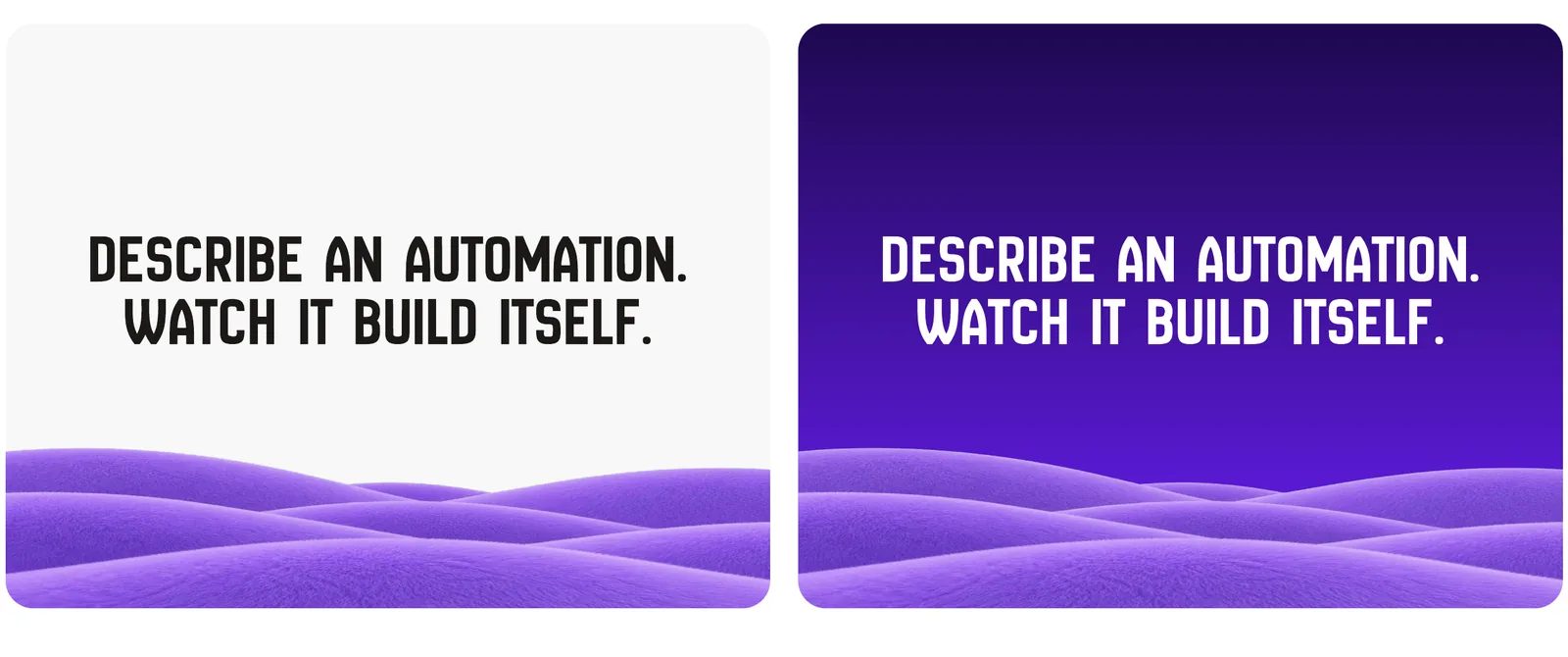
Background graphics
Icons and illustrations
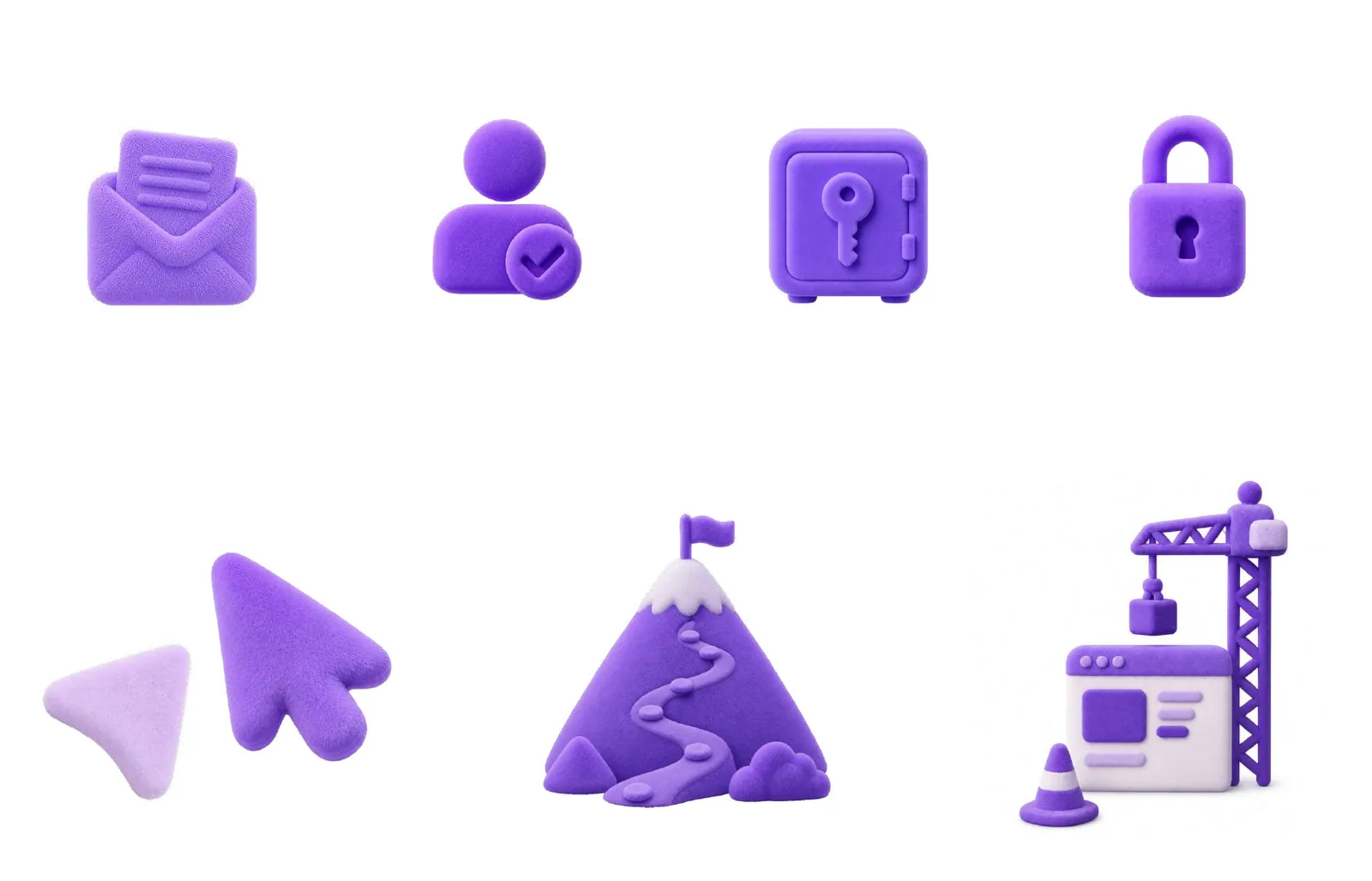
Our visual language uses tactile 3D elements with soft textures to humanize the interface.
3D iconography. We use soft-textured 3D icons for features, callouts, navigation anchors, and empty states. The tactile finish softens technical concepts and adds a sense of approachable depth.
Accent and UI integration. We reserve full 3D illustrations for accent backgrounds, marketing page footers, and high-impact UI touchpoints, to avoid cluttering core user workflows.
Alignment with the palette. All 3D assets rely on our primary color spectrum: Electric Indigo for primary structures and Pale Lavender for supporting elements.
Brand applications
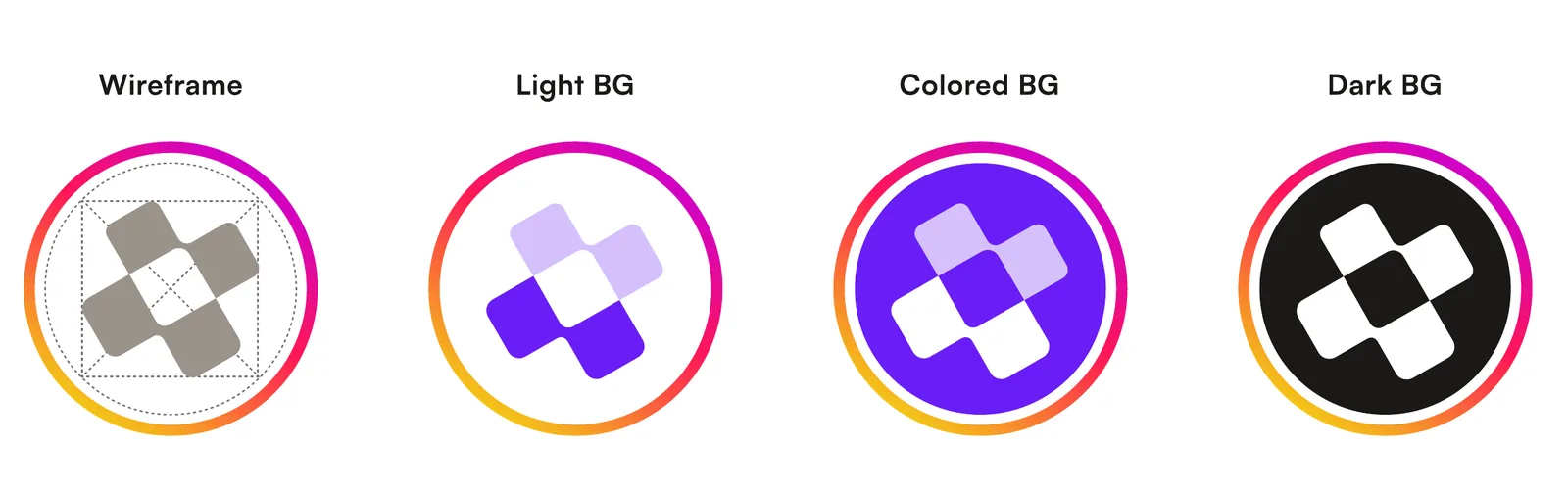
Social media iconsWireframe, light background, colored background and dark background. 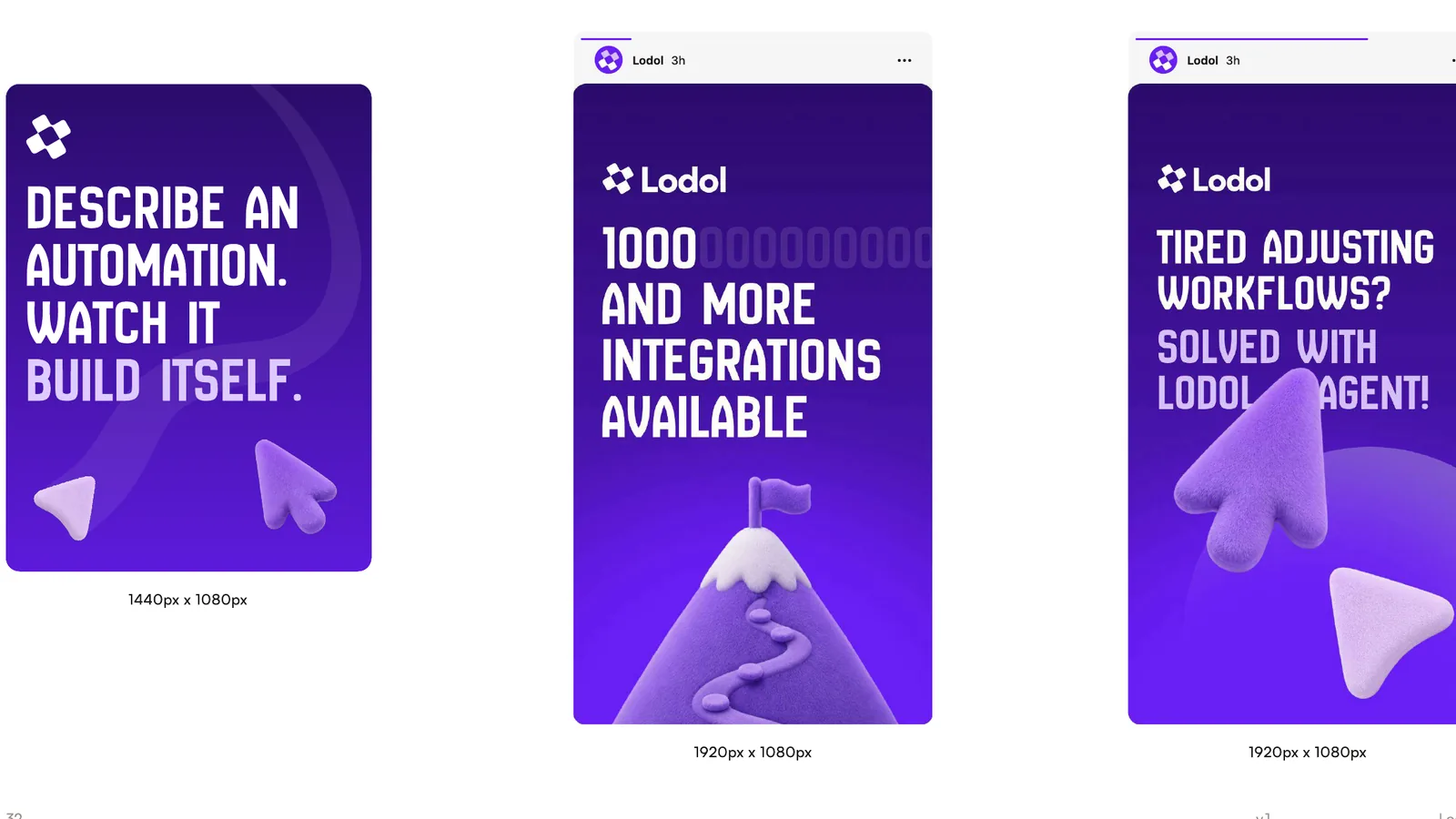
Social media templatesPosts at 1080 × 1440 and stories at 1080 × 1920. 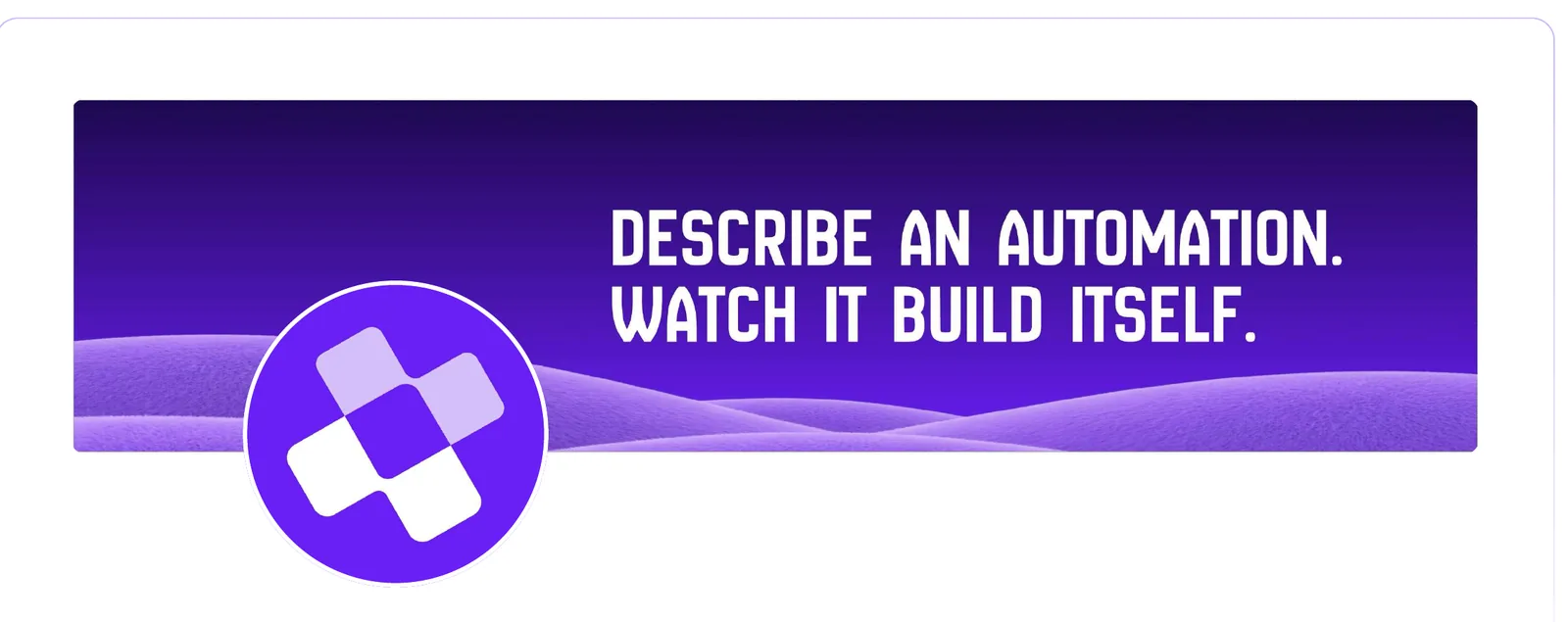
LinkedIn bannerThe background dunes under the headline, with the symbol as the profile picture. 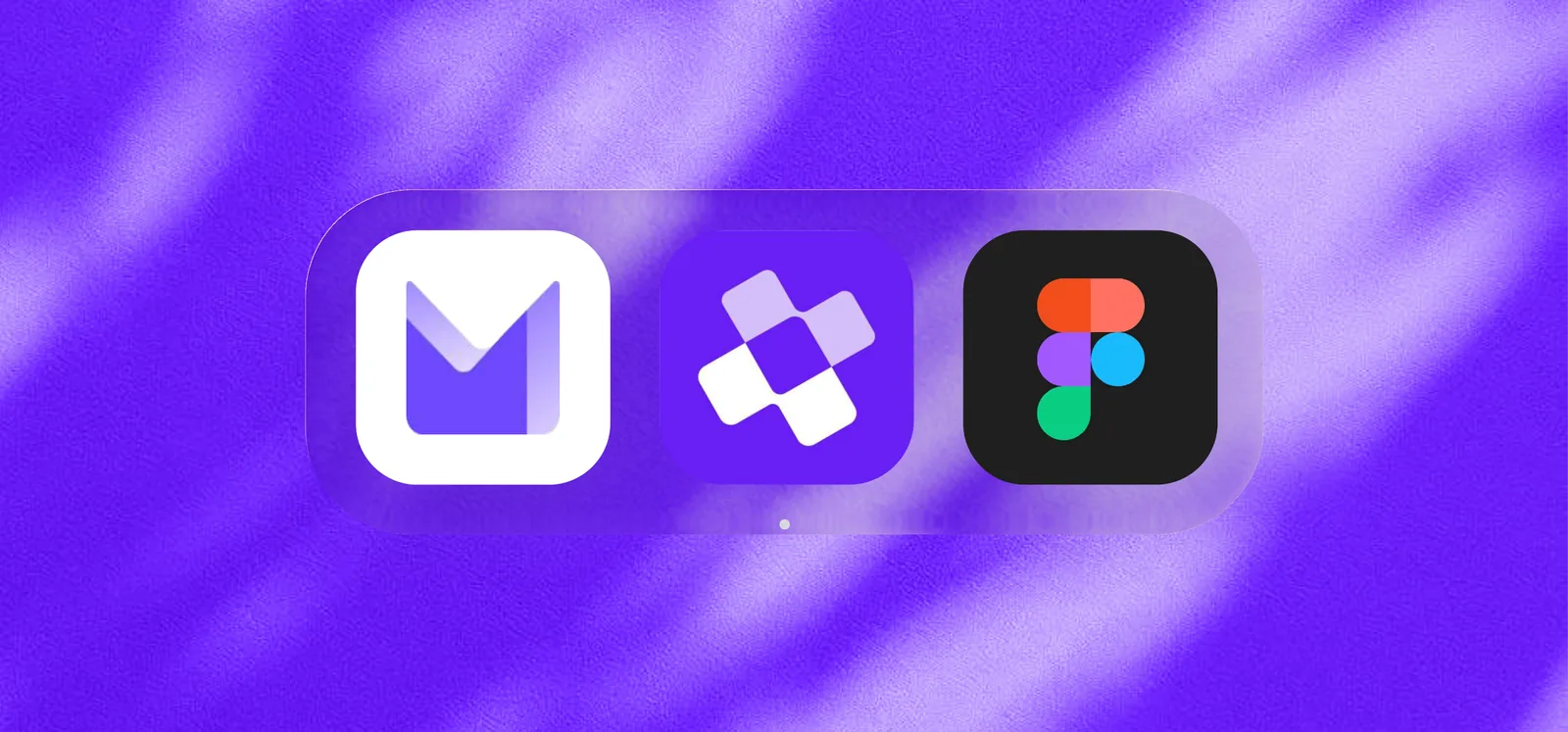
App iconIn a dock, beside other apps. 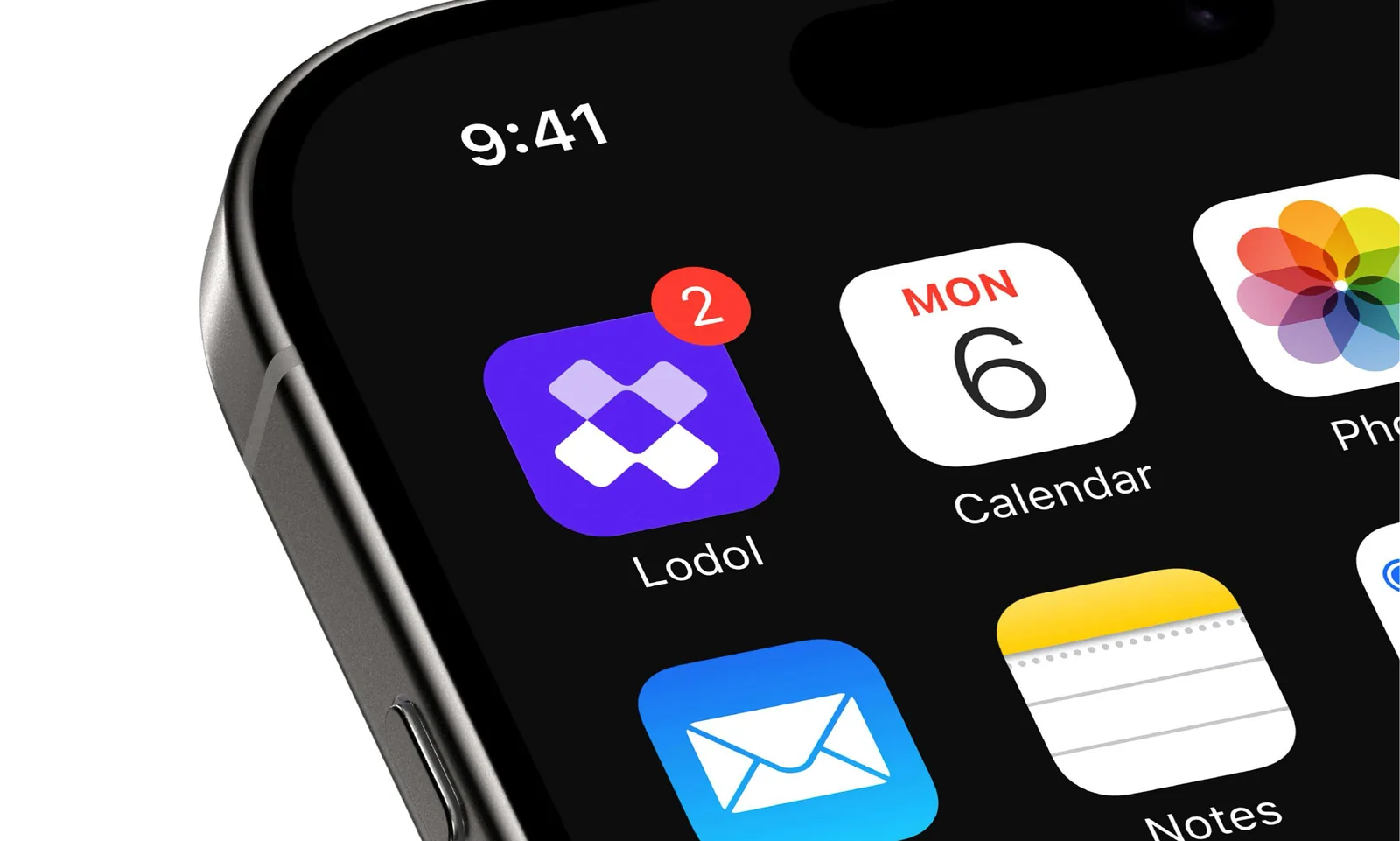
App icon on a phoneOn the home screen, with a badge. 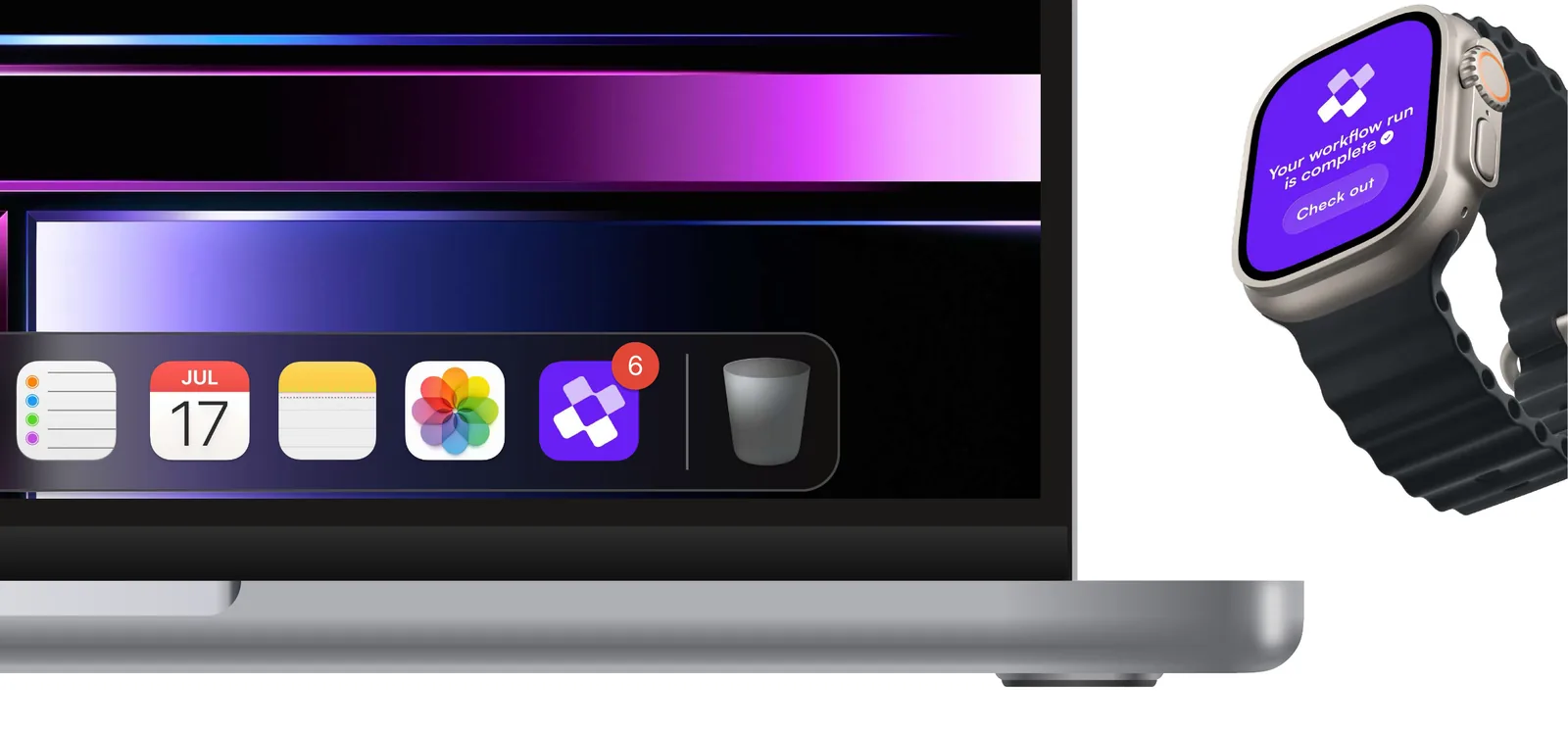
App icon on desktop and watchIn the macOS dock, and on a watch notification. 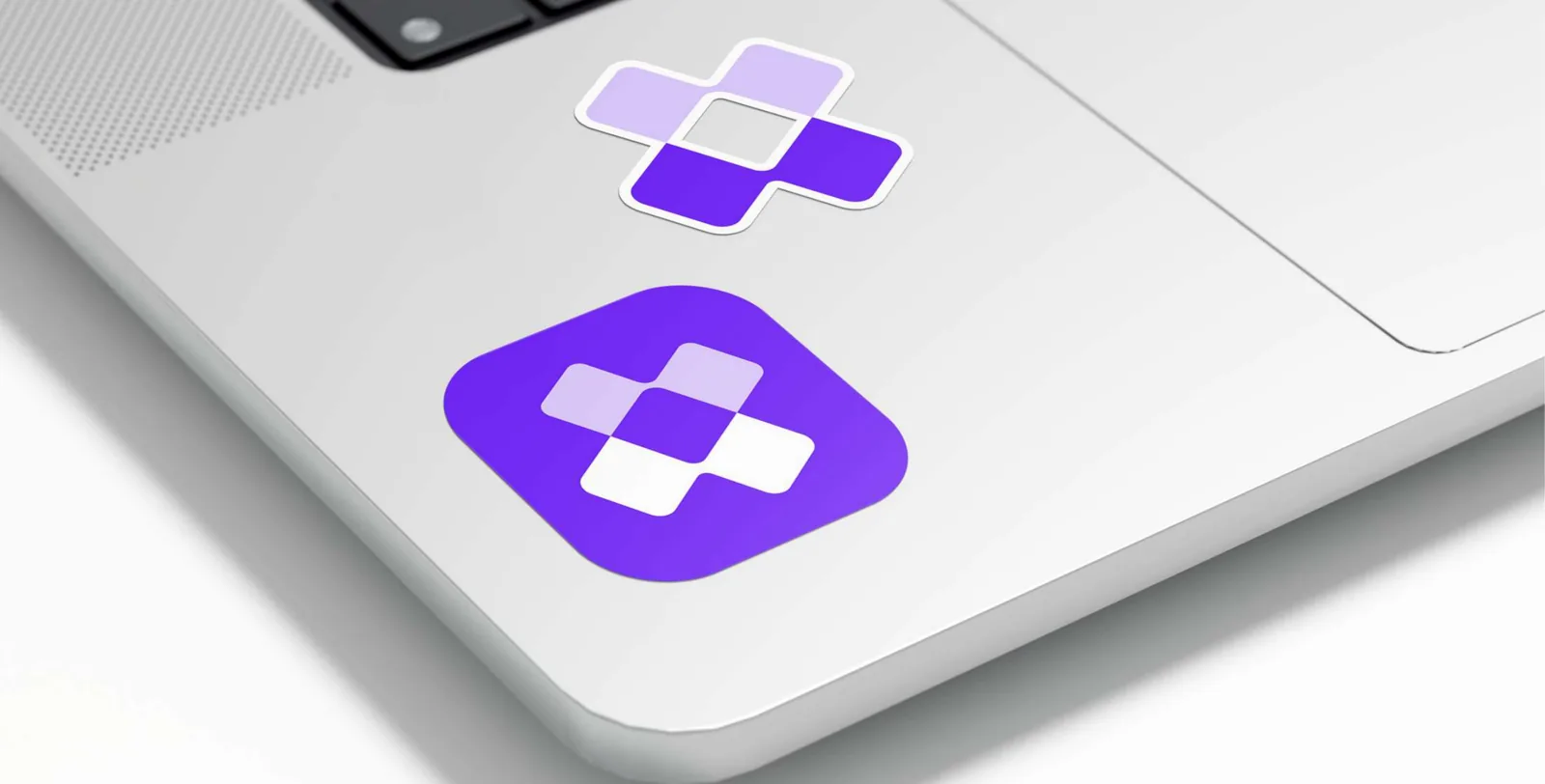
Stickers 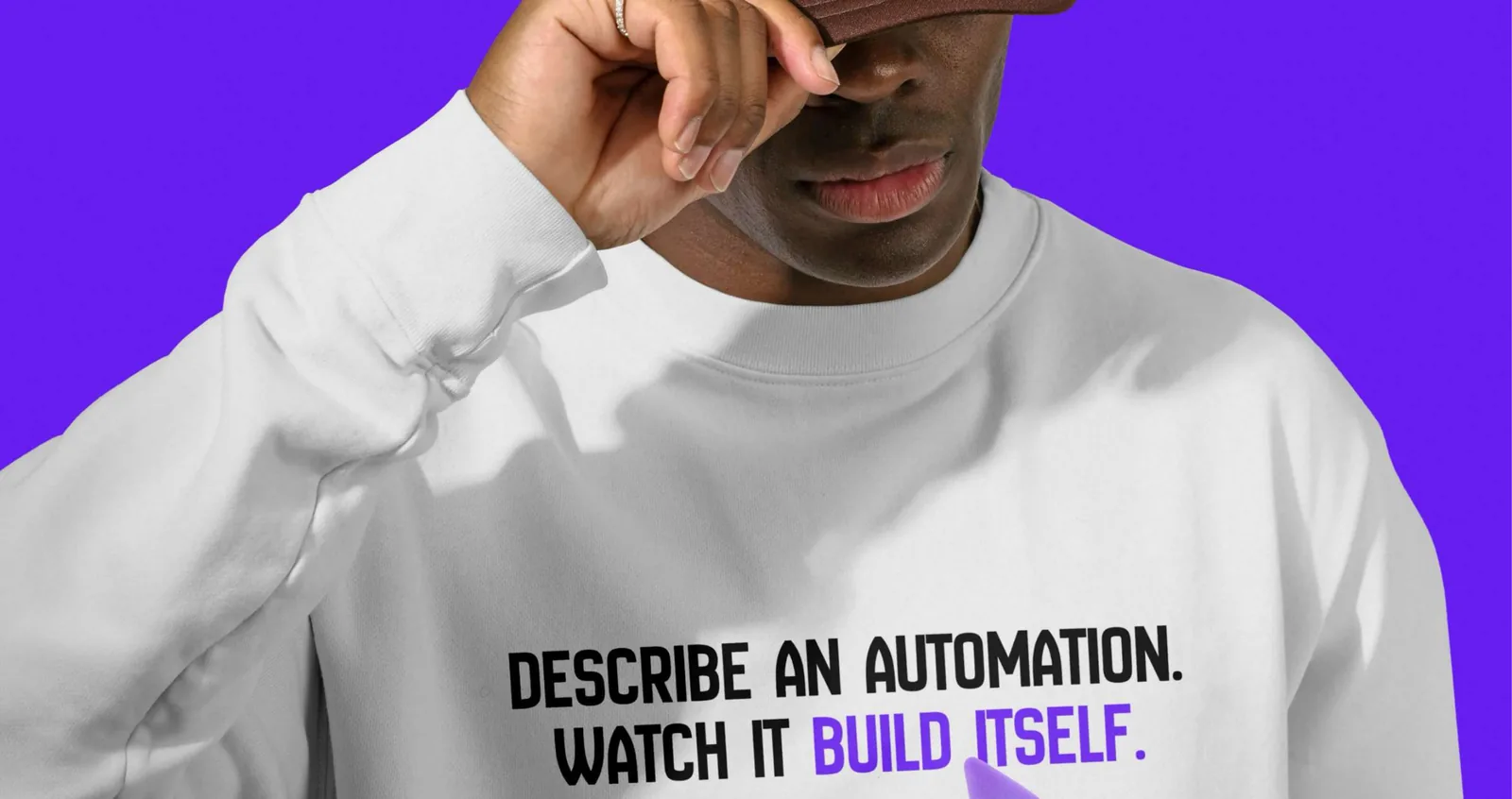
Sweatshirt 
T-shirt 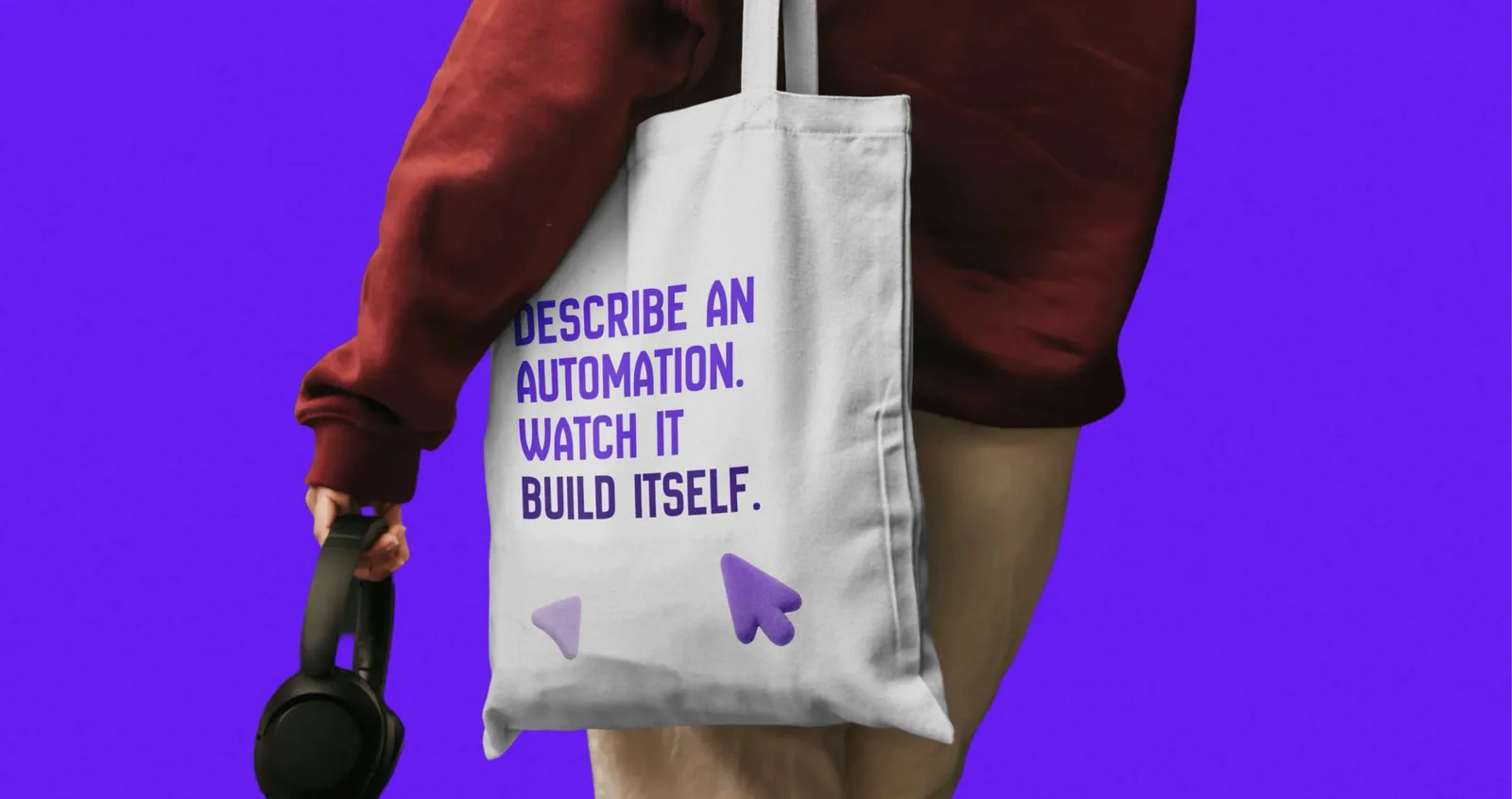
Tote bag
Questions about the brand?
Write to hello@lodol.com. Writing about Lodol? Our press page has the facts and who to talk to.
Download the guidelines (PDF, 16.5 MB)